

QuickBooks vs ERP: when should you upgrade?
QuickBooks and Sage are excellent accounting tools. ERP runs the whole business. Here is how to tell when you have outgrown accounting software.
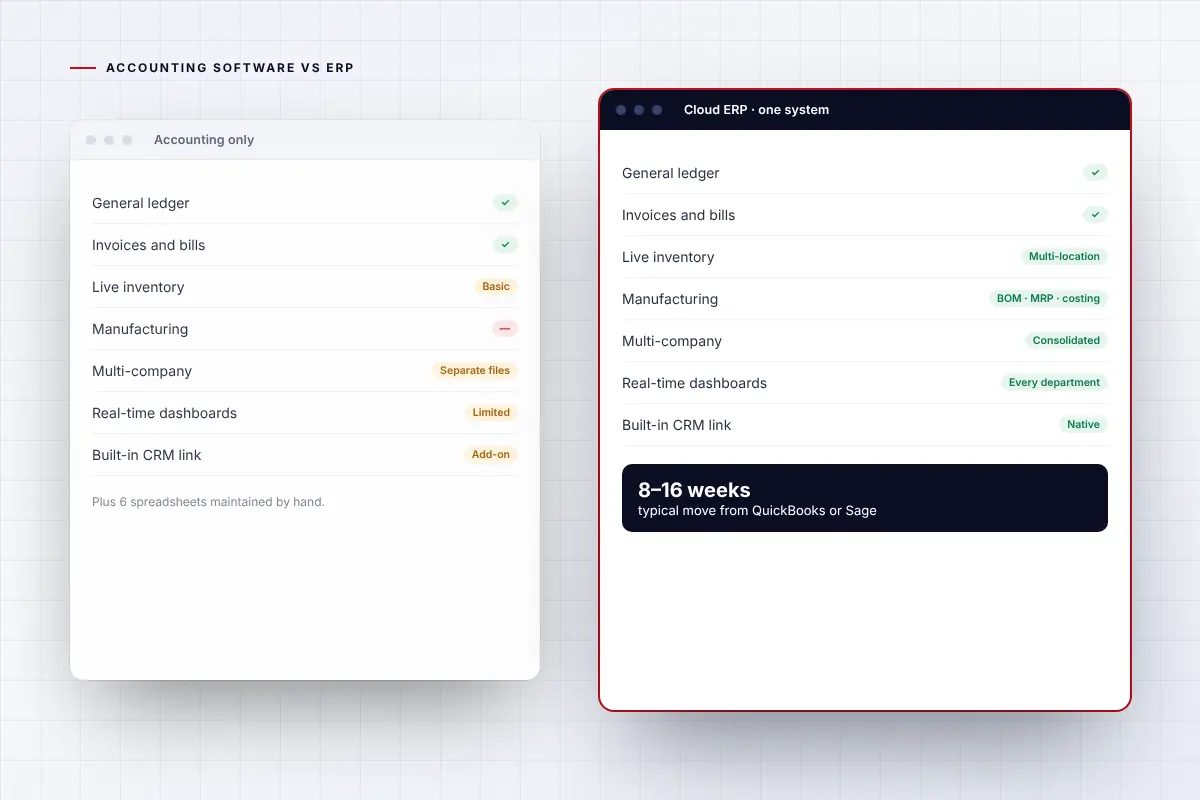
Accounting software compared with ERP.
| QuickBooks or Sage 50 | Cloud ERP | |
|---|---|---|
| Core purpose | Bookkeeping and financial accounting | Runs finance, inventory, purchasing, sales, operations and reporting in one system |
| Inventory | Basic item tracking | Multi-location stock, lots, serials, bins, warehousing and replenishment |
| Manufacturing | Not included | BOMs, routings, MRP, production orders and costing |
| Multiple companies | Separate files per company | Multi-entity, multi-currency and consolidation in one system |
| Reporting | Standard financial reports | Real-time dashboards across every department |
| Integrations | Add-on apps for each need | Connected CRM, e-commerce, EDI and Microsoft 365 |
| Best fit | Small businesses with simple operations | Growing businesses with inventory, operations or several entities |
Six signs it is time for ERP.
You rely on spreadsheets
Inventory, job costing or reporting lives in spreadsheets outside your accounting system.
You run several companies
Consolidation means exporting and combining files every month.
You need real inventory or production
You cannot see live stock, costs or margins by item and location.
Month-end takes too long
Closing the books takes weeks of reconciliation and re-keying.
Integrations keep breaking
Add-on apps and connectors need constant fixing.
You are adding people and locations
User limits, performance or file size are holding the team back.
Where to go from here.
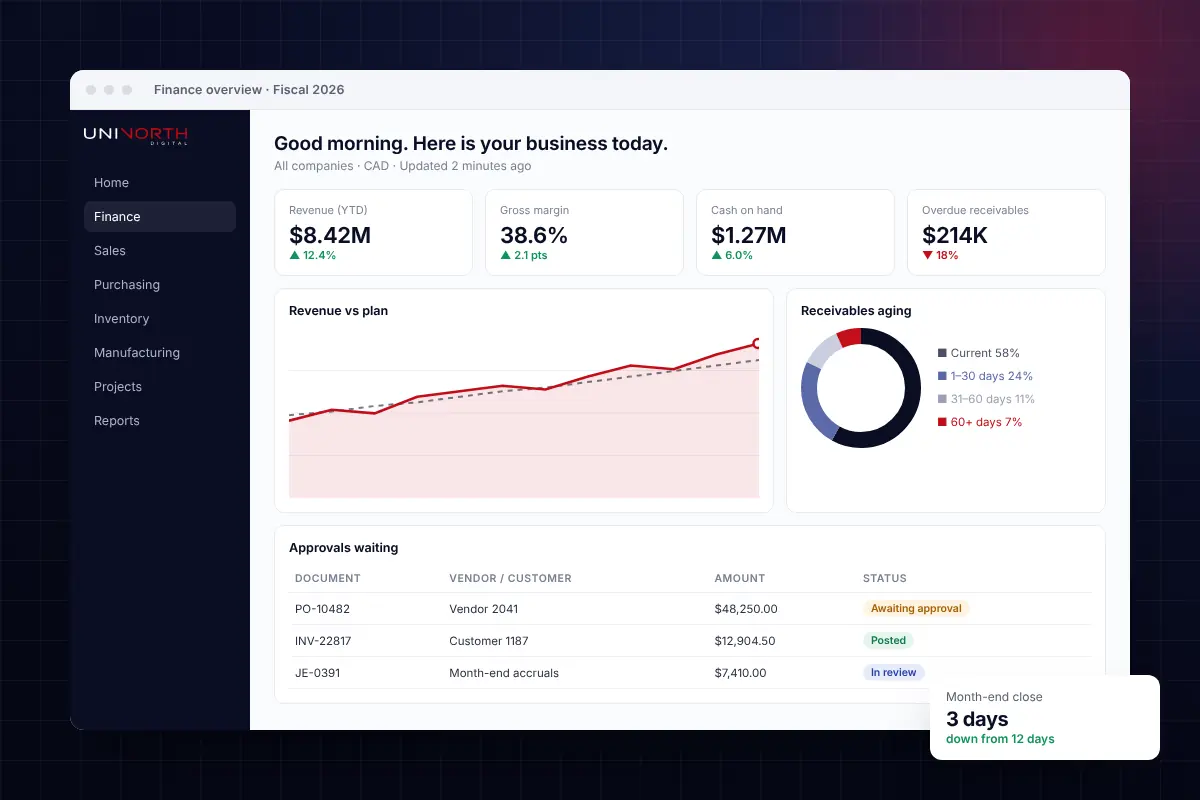
Modern cloud ERP for finance, inventory and operations.
Implementation, data migration, integrations and support from one team.
Explore ERP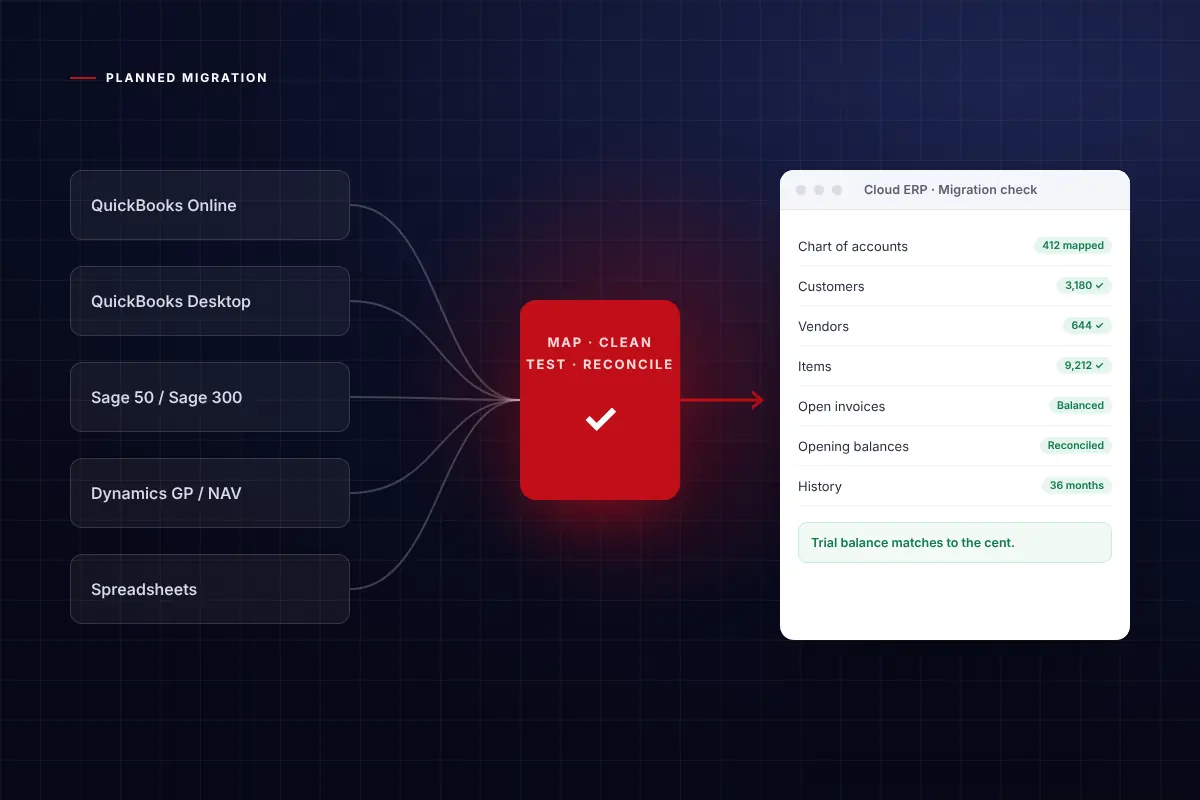
Outgrown QuickBooks, Sage or an ageing ERP?
A planned move to a modern cloud ERP, with your history carried over.
Plan your move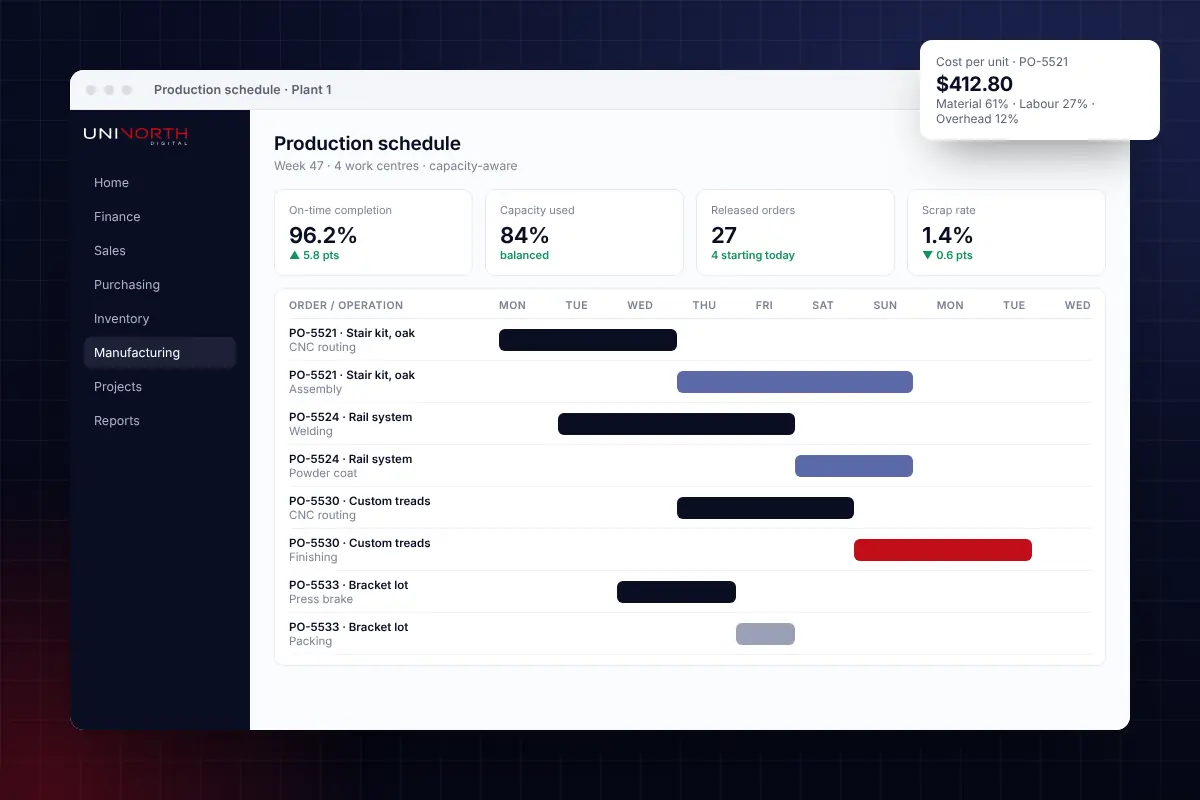
Production, MRP, quality and costing in one system.
Built for discrete, process and make-to-order manufacturers.
Manufacturing ERP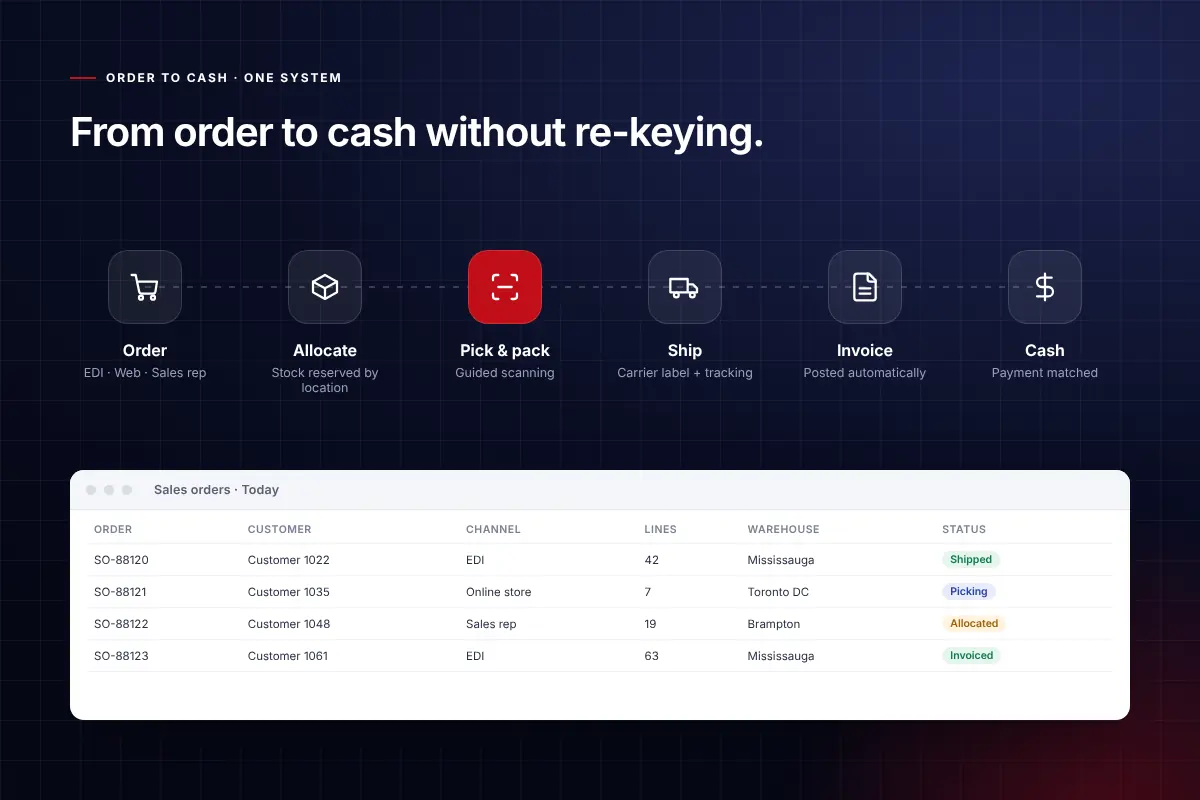
Inventory, warehousing and order-to-cash, connected.
For wholesalers and distributors who need accurate stock and fast fulfilment.
Distribution ERPTwo very different tools.
Accounting software keeps the books. ERP runs the business.
Is ERP better than QuickBooks?
For growing businesses with inventory, operations, projects or multiple entities, ERP does far more than QuickBooks. For very small businesses with simple needs, QuickBooks is often enough.
What is the next step up from QuickBooks?
Many companies move from QuickBooks to Microsoft Dynamics 365 Business Central, a cloud ERP that adds inventory, manufacturing, projects, multi-entity accounting and reporting.
Can we keep our QuickBooks history?
Yes. Master data, open transactions and opening balances are migrated, and history can be migrated in summary or detail depending on your reporting needs.
How long does it take to move from QuickBooks to ERP?
Most small and mid-sized moves take 8 to 16 weeks from assessment to go-live.

Not sure which ERP is right for you?
Book a no-obligation call. We will review your processes and tell you honestly what fits.