

How to choose ERP software: a practical guide.
Choosing an ERP is one of the biggest technology decisions a growing business makes. Here is the process we walk clients through, step by step.
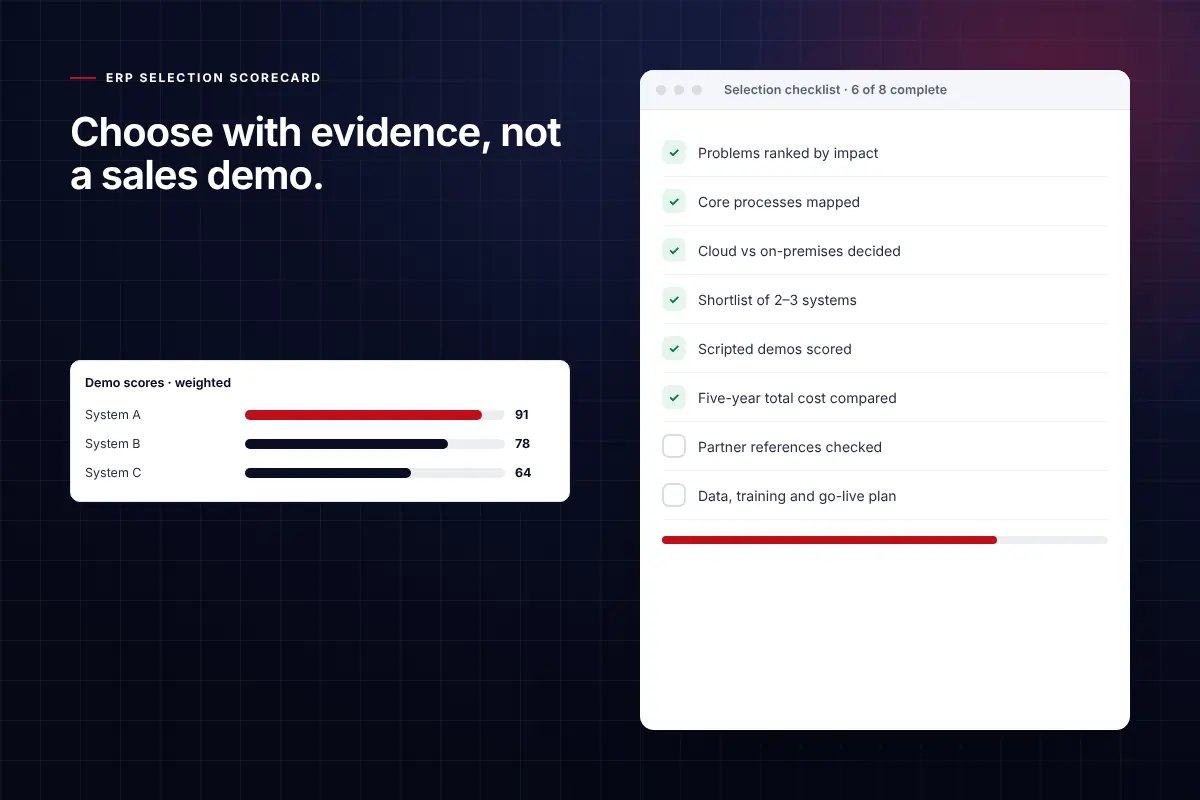
Eight steps to the right ERP.
Define the problems first
List the problems you need solved, such as slow month-end, poor inventory accuracy or no job costing, before you look at any software. Rank them by business impact.
Map your core processes
Document order-to-cash, procure-to-pay, production or project delivery, and record-to-report. These processes become your demo scripts.
Choose cloud or on-premises
Most growing businesses now choose cloud (SaaS) ERP: no servers to maintain, automatic updates, secure remote access and predictable monthly costs.
Shortlist two or three systems
Match options to your size and industry. Small and mid-sized companies often compare systems such as Dynamics 365 Business Central, NetSuite, Acumatica and Sage Intacct.
Run scripted demos
Ask each vendor to demonstrate your processes with your data, not a generic sales demo. Score each one against your ranked problems.
Calculate total cost of ownership
Compare subscriptions, implementation, integrations, data migration, training and support over five years, not only the licence price.
Choose the partner, not just the software
Most ERP outcomes depend on the implementation partner. Check industry experience, references, methodology and post-go-live support.
Plan data, training and go-live
Agree what data moves, who owns testing and how users are trained. A rehearsed cutover avoids most go-live problems.
Where to go from here.
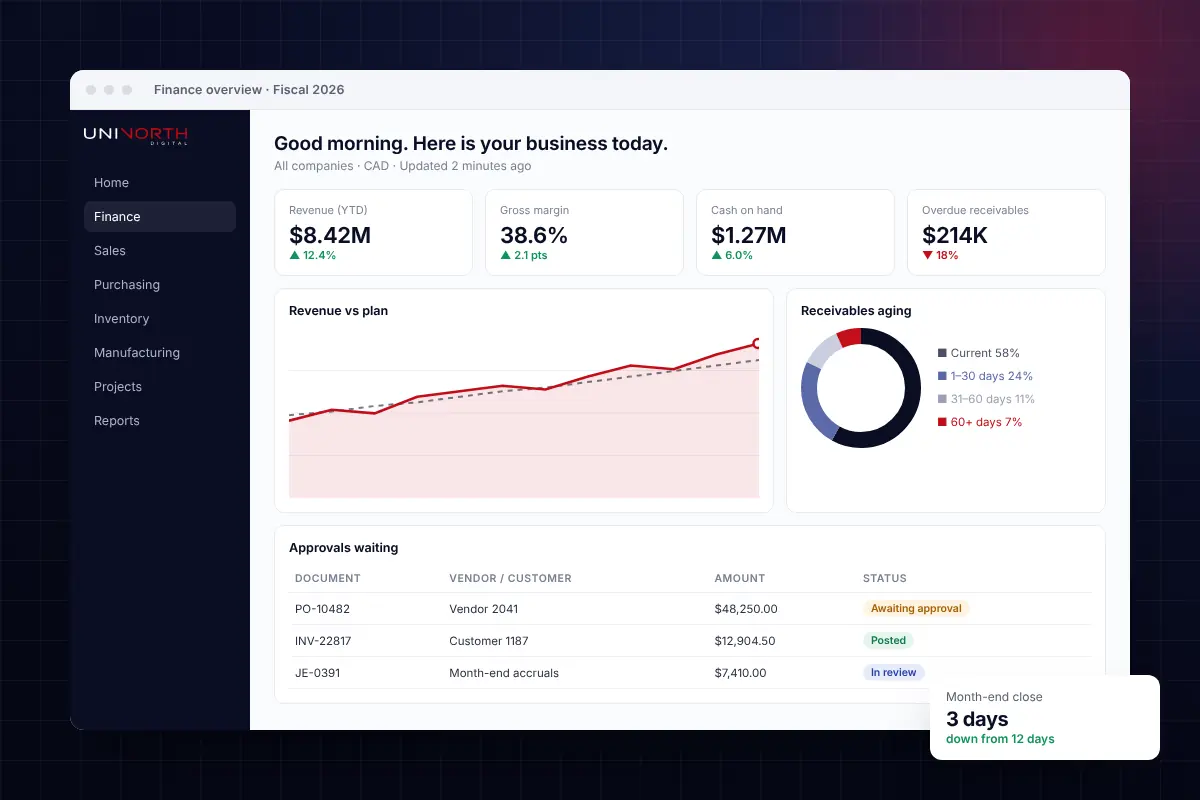
Modern cloud ERP for finance, inventory and operations.
Implementation, data migration, integrations and support from one team.
Explore ERP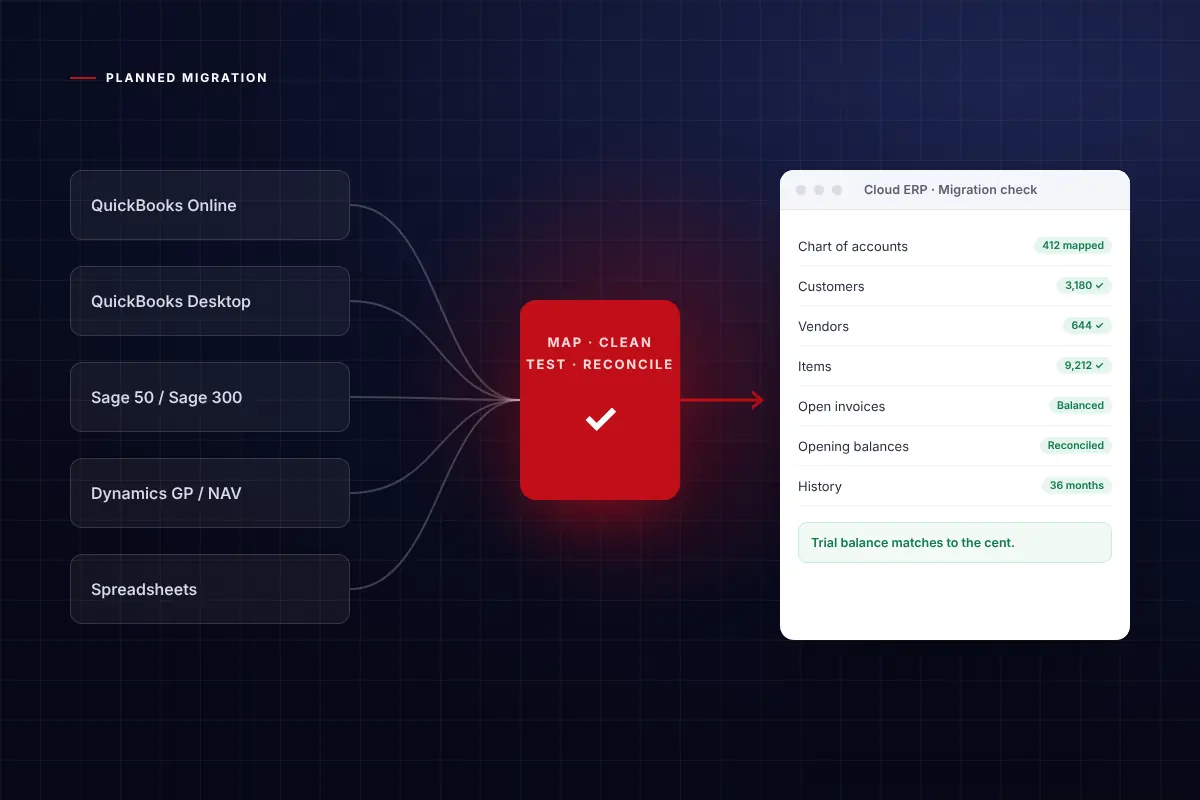
Outgrown QuickBooks, Sage or an ageing ERP?
A planned move to a modern cloud ERP, with your history carried over.
Plan your move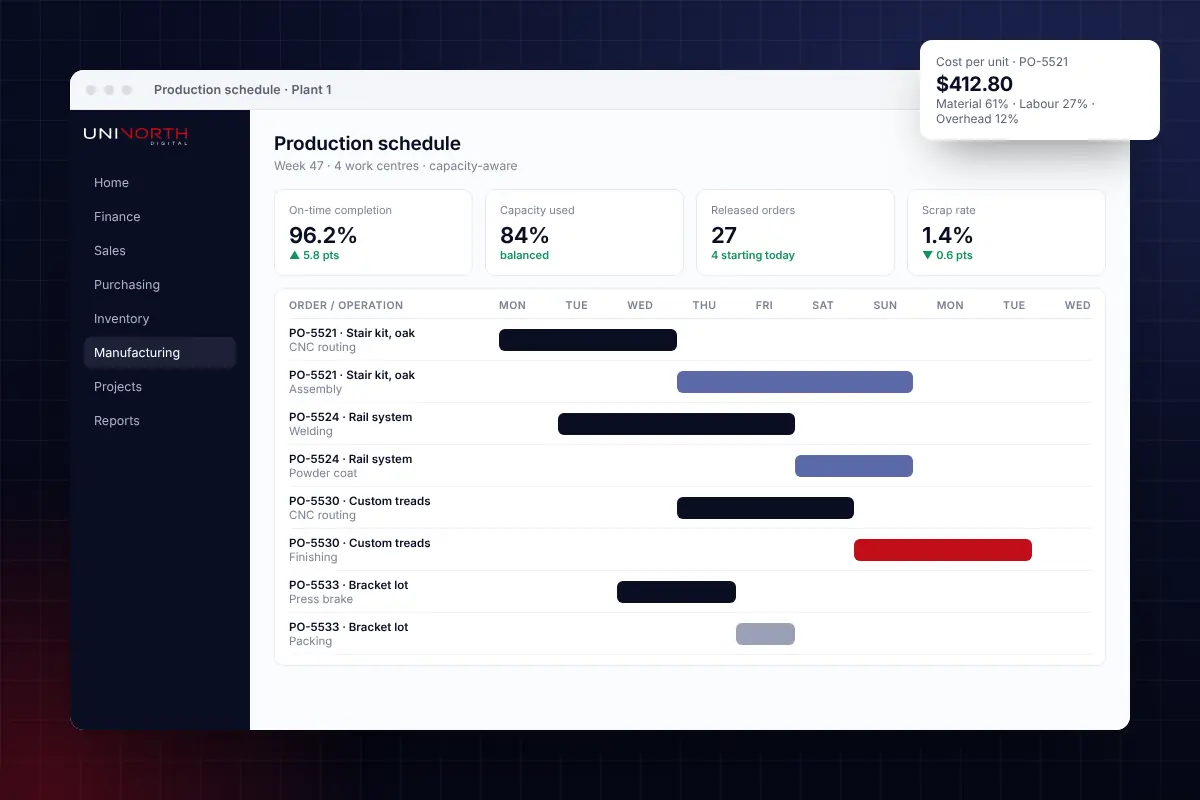
Production, MRP, quality and costing in one system.
Built for discrete, process and make-to-order manufacturers.
Manufacturing ERP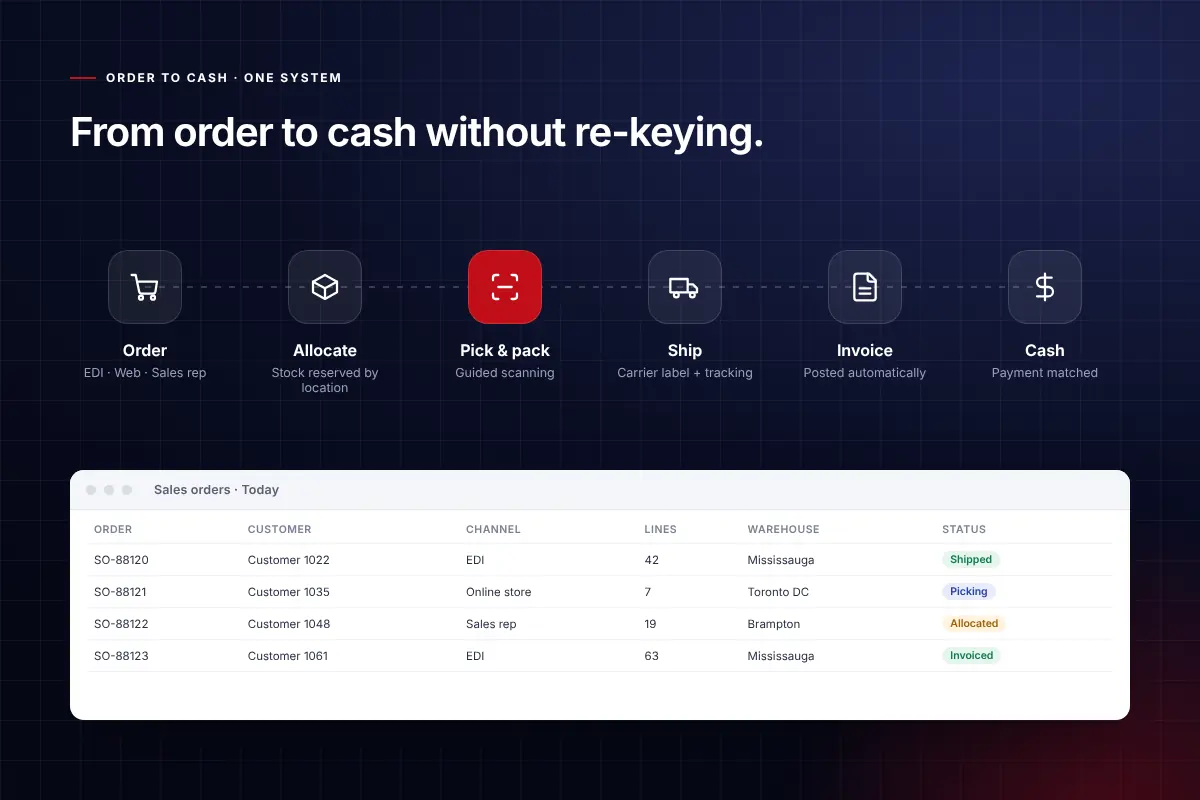
Inventory, warehousing and order-to-cash, connected.
For wholesalers and distributors who need accurate stock and fast fulfilment.
Distribution ERPThe decision, simplified.
Use this as a working checklist with your team.
What is the most important factor when choosing ERP?
Fit with your core processes and the quality of the implementation partner. A good system implemented poorly fails; a well-chosen partner configures standard features to fit how you work.
Should a small business use cloud ERP?
In most cases, yes. Cloud ERP removes server costs and maintenance, updates automatically, and lets teams work securely from anywhere.
How many ERP systems should we compare?
Two or three is usually enough. More than that adds time without improving the decision.
How long does ERP selection take?
A focused selection usually takes four to eight weeks, including requirements, scripted demos and reference checks.

Not sure which ERP is right for you?
Book a no-obligation call. We will review your processes and tell you honestly what fits.